AI Clothes Remover
Change, remove, or replace clothing in any photo online. Upload an image, click generate, and get a realistic restyle in seconds — for fashion mockups, ecommerce shots, and everyday edits.


Upload any image and cut out the subject in one click. AI removes the background and returns a clean transparent PNG — no prompt, manual mask, or design skills needed.
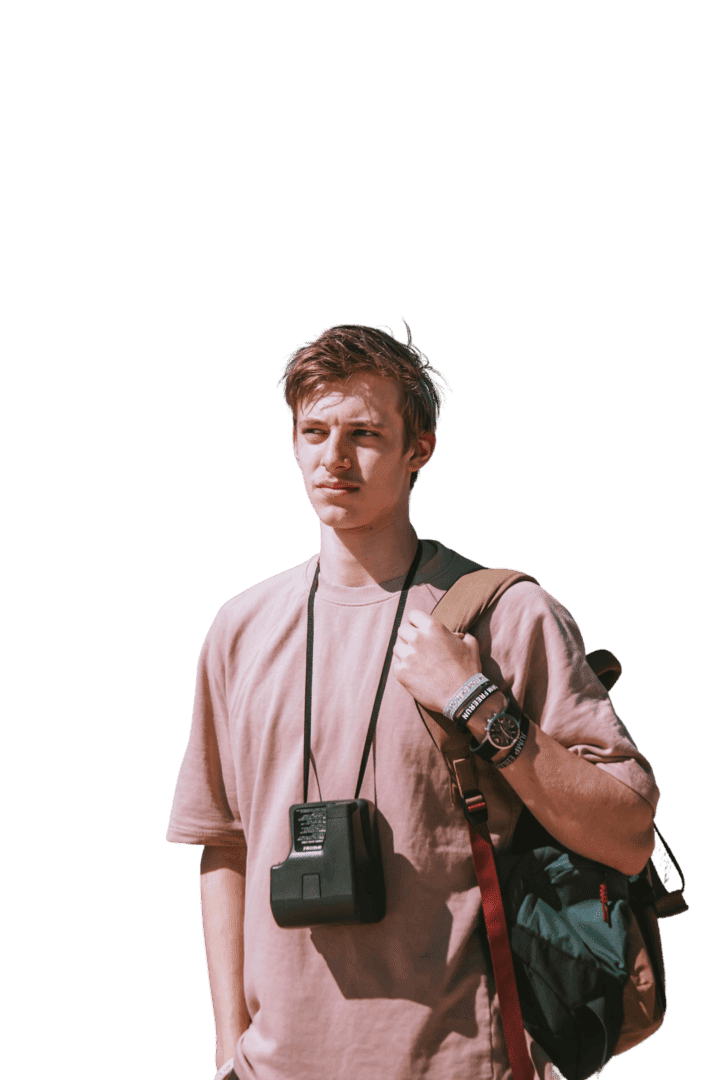
remove background只需三個步驟——無需prompt。
放入任何photo——肖像、商品照、物件或動物。支援 JPG 或 PNG。
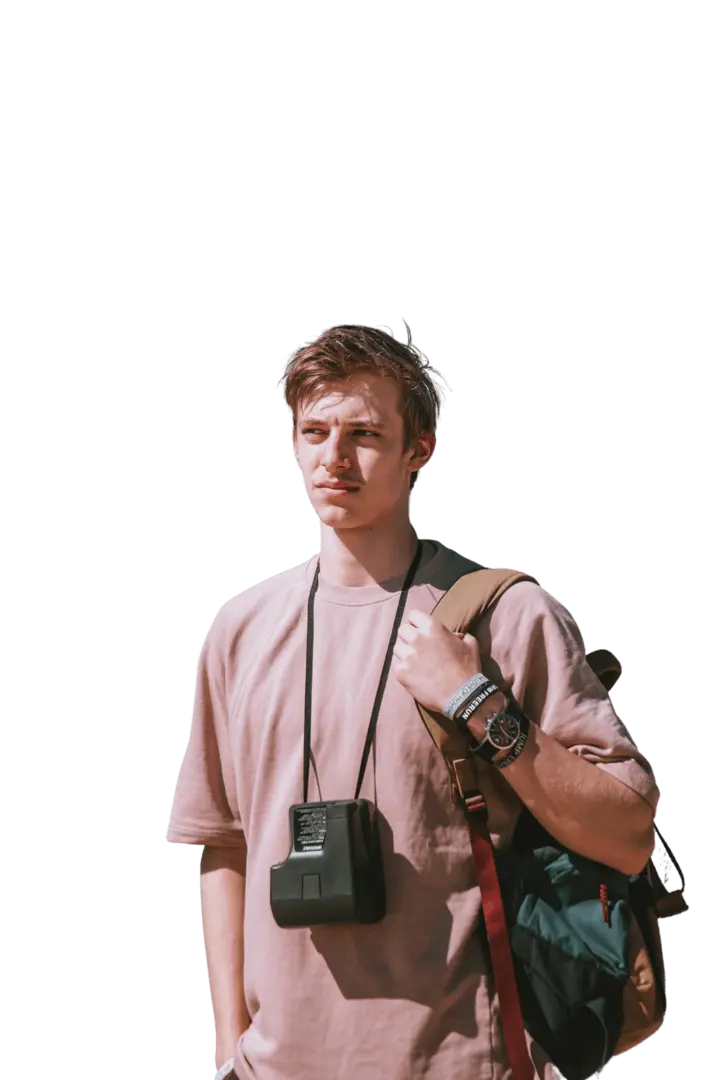
我們的backgroundremove 引擎會偵測主要主體、描繪其邊緣,並將其與後方所有內容分離。
取得位於乾淨透明background上的主體,可直接放到白色background、新場景或設計中。
Examples
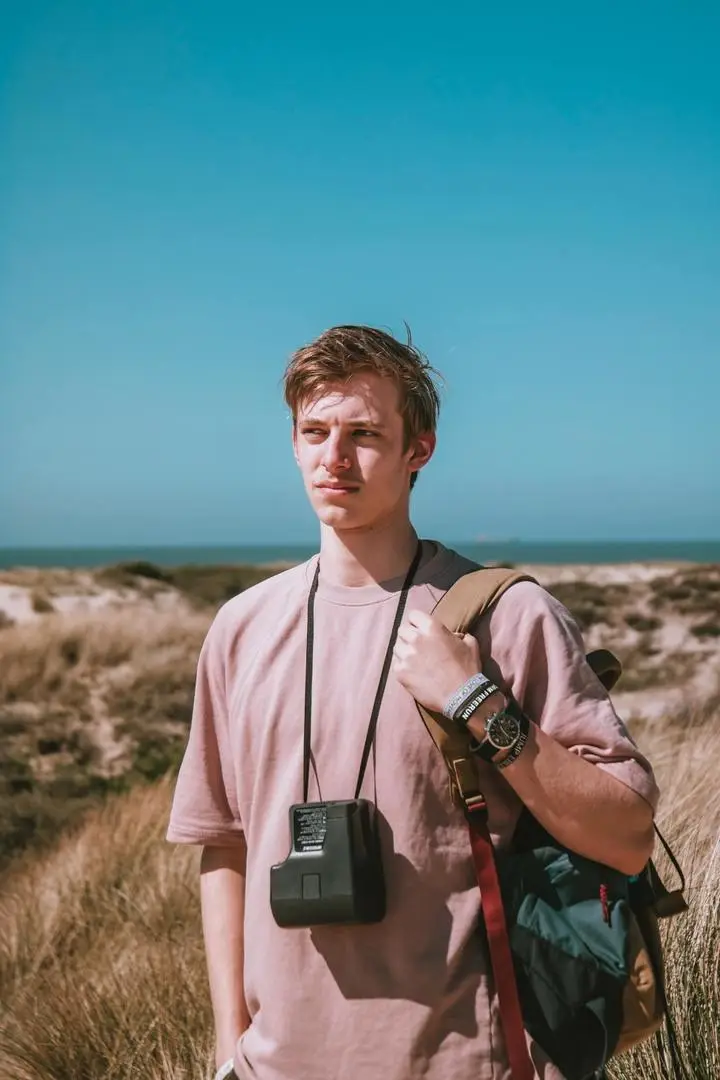
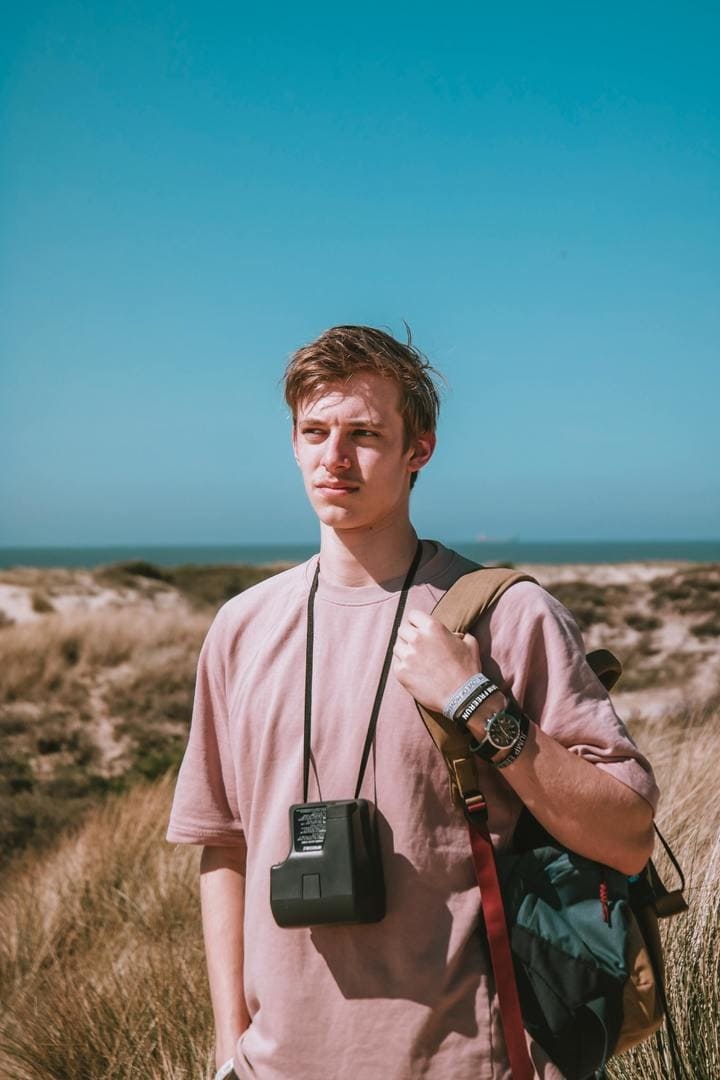
人物、商品、動物、物件——AI 會隔離主體並remove background,連邊緣也一併處理。
Use cases
同樣的一鍵去背功能適用於商品刊登、社群貼文和設計。
將商品放到乾淨的白色或透明background上,用於 Amazon、Shopify 或 eBay 商品刊登——No need for 攝影棚,也能取得一致且符合平台要求的商品圖。
從雜亂的photo中將自己去背,並將肖像放到純色background上,適合 LinkedIn、履歷或社群個人檔案。
隔離主體,製作廣告、縮圖、橫幅和貼文。將去背結果疊加到設計工具中的任何顏色或場景上。
取得透明background的去背圖,用於貼紙、樣機、T 恤和周邊商品。PNG 可直接放到產品上,後方不會留下任何background。
一個餘額即可Use APISpace 上的所有 AI 工具。無需切換account,持續進行edit 。
Change, remove, or replace clothing in any photo online. Upload an image, click generate, and get a realistic restyle in seconds — for fashion mockups, ecommerce shots, and everyday edits.
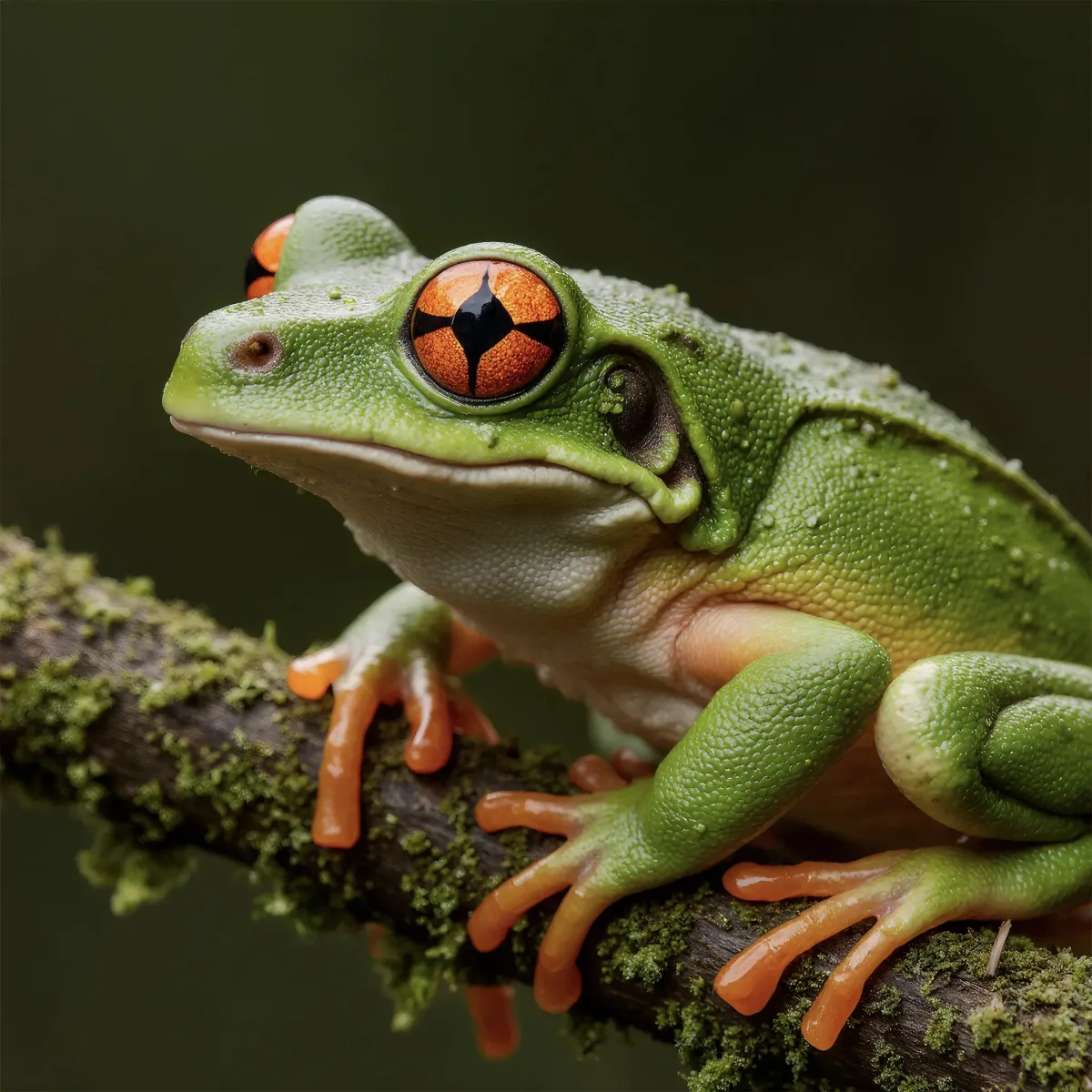
Upload a low-resolution or blurry image and let AI improve it instantly — sharper details, less noise, up to 4K. No prompt and no editing skills required. Download the enhanced photo in one click.
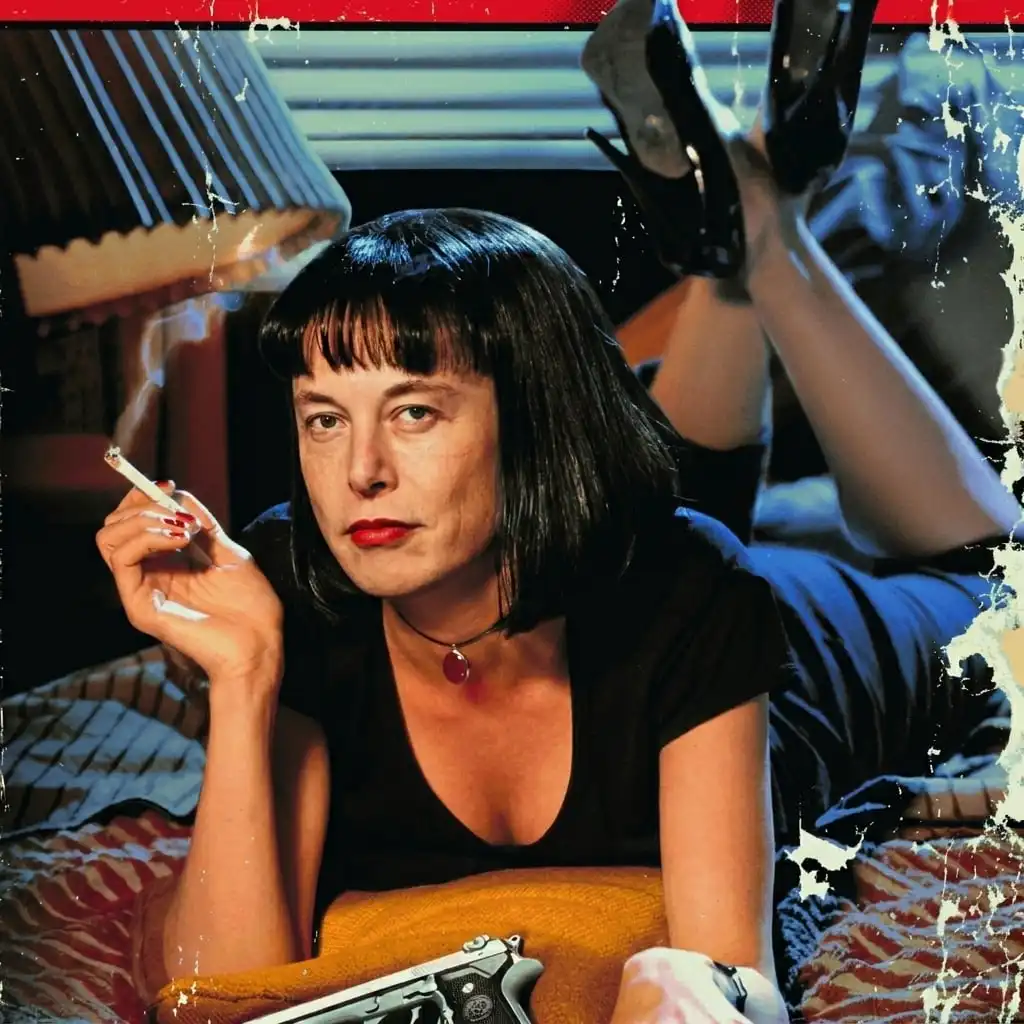
Swap faces in any photo with one click — no masking, layers, or editing skills. Upload two photos and generate.
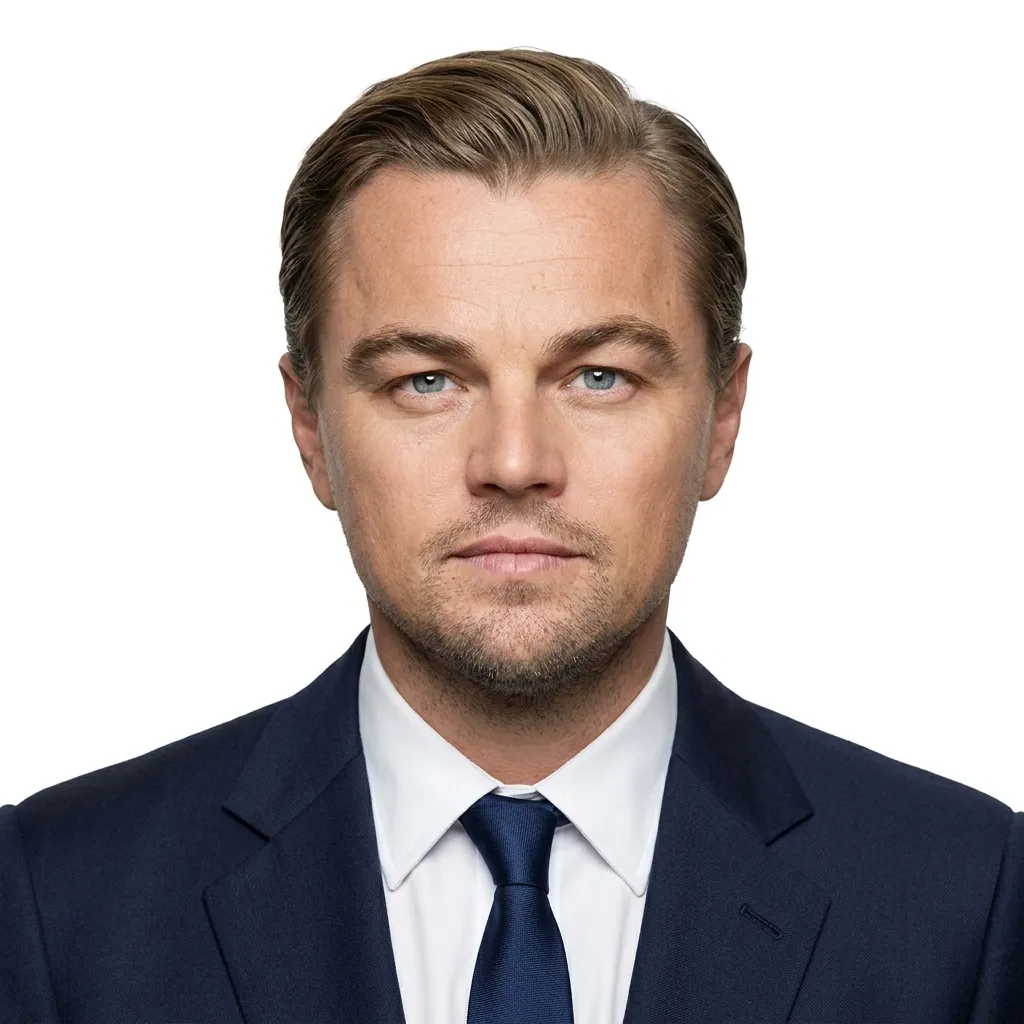
Upload a photo and get a passport-style portrait — the head is cropped and centered on a clean solid background, ready to download. Your face stays the same; the tool only adjusts composition and background.