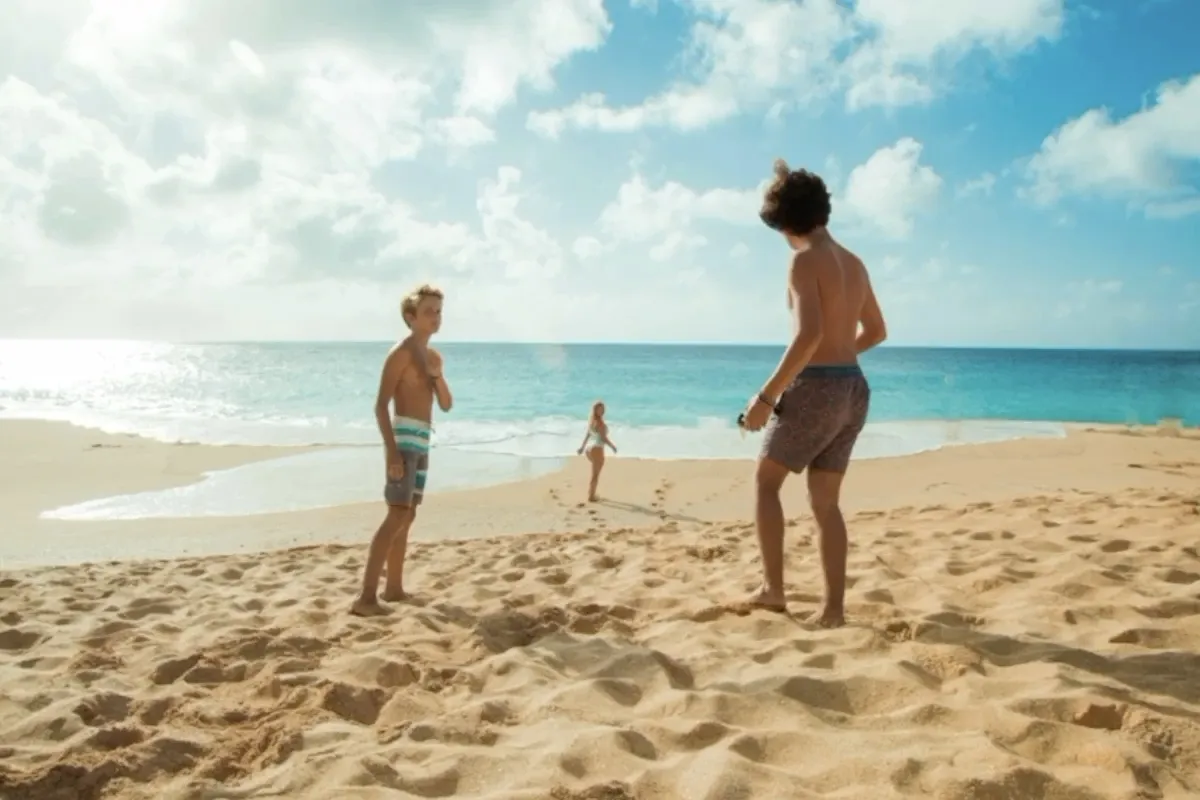
AI Object Remover
Upload a photo and describe exactly what you want removed. Take out people, text, clutter, wires, props, or overlays, while AI rebuilds the cleared area to match the surrounding scene.


Upload a low-resolution or blurry image and let AI improve it instantly — sharper details, less noise, up to 4K. No prompt and no editing skills required. Download the enhanced photo in one click.
Examples
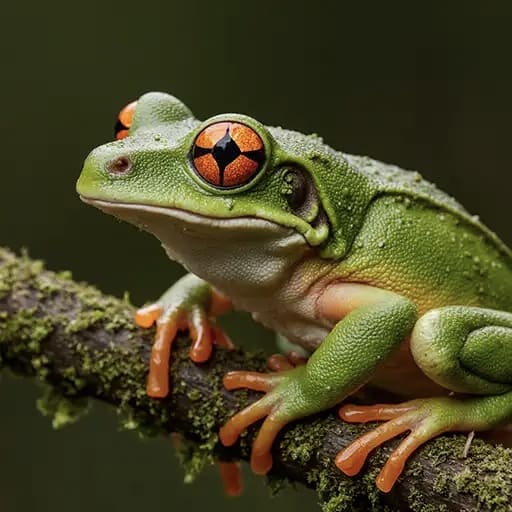
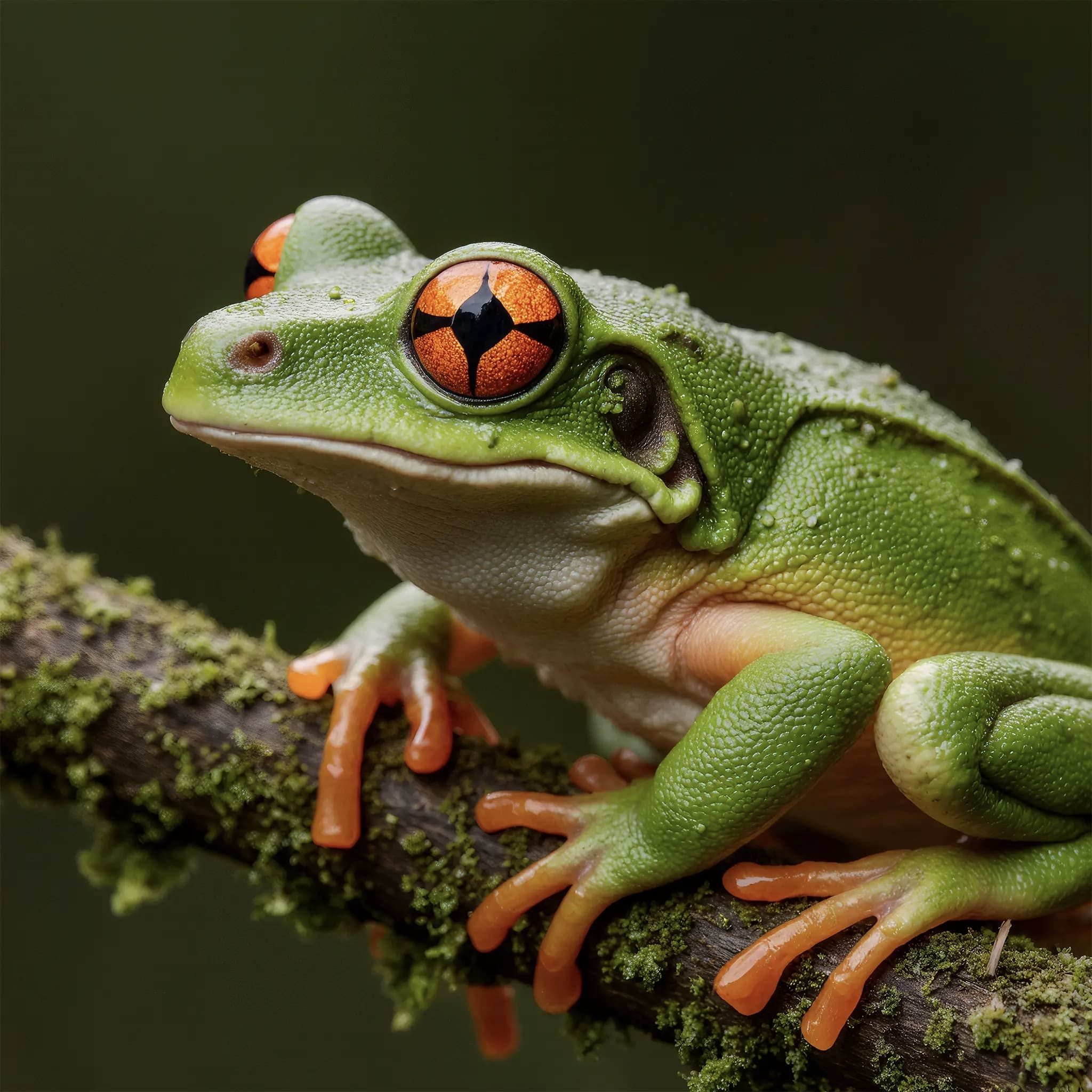
Real enhancements from blurry, low-resolution, and old photos — drag the slider on each pair to compare the original and the AI result.
Use cases
Four common photo problems, one tool. Choose what is wrong with the image and let AI handle the rest.
Turn small, low-resolution images into 4K without a stretched or muddy look. Ideal for print, zoomable product shots, and large displays.
Restore crisp edges and detail from soft-focus, out-of-focus, or motion-blurred photos. Faces, text, and texture come back sharp.
Clean grain, JPEG artifacts, and pixelation from compressed or low-light images — a clearer result without muddy over-smoothing.
Bring faded, scratched, or dull scanned photos back to life by rebuilding detail and balancing color. Great for family archives and vintage shots.
Use every AI tool on GPTdodo with one balance. No account switching — keep editing in one place.
Upload a photo and describe exactly what you want removed. Take out people, text, clutter, wires, props, or overlays, while AI rebuilds the cleared area to match the surrounding scene.
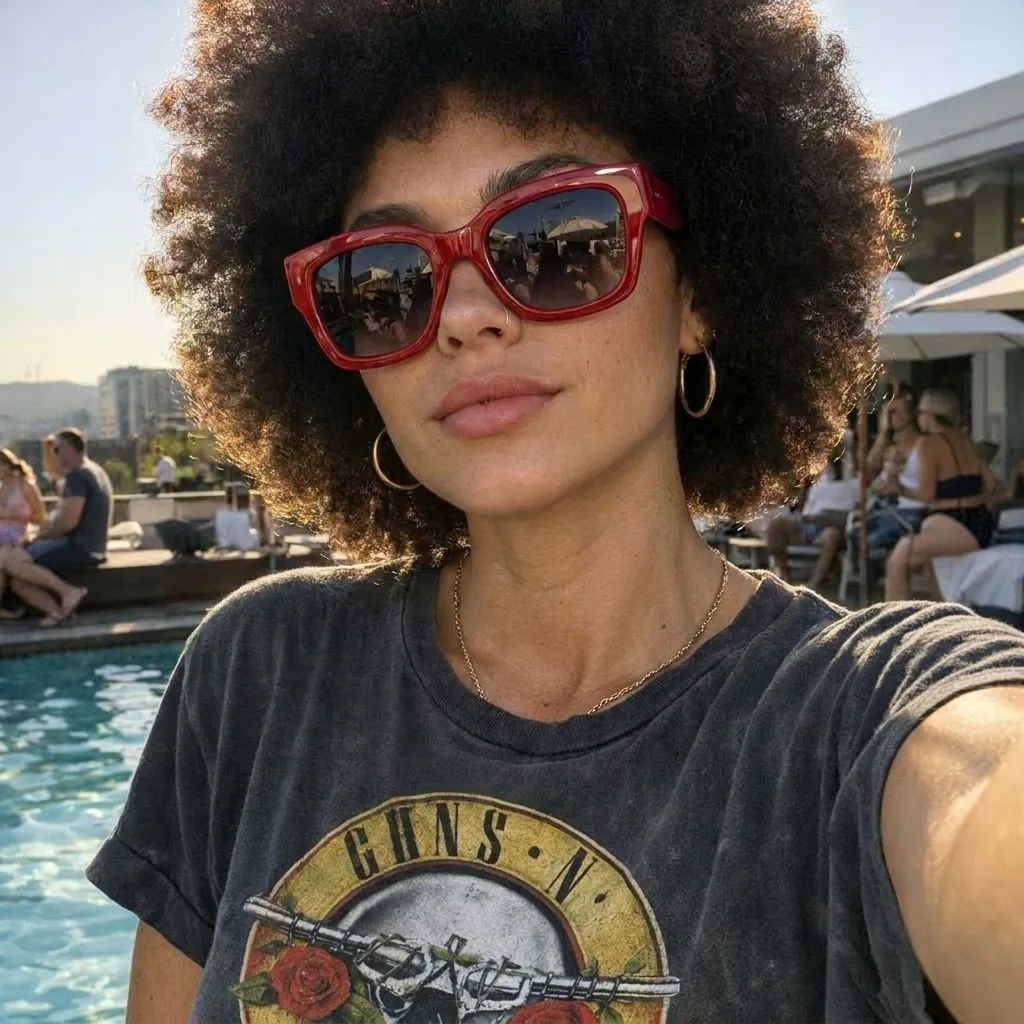
Edit images online with AI — enhance resolution, sharpen details, and improve overall quality in one place.

Remove visible logos, text, and date stamps from images online — upload once, click once, no editing software needed.
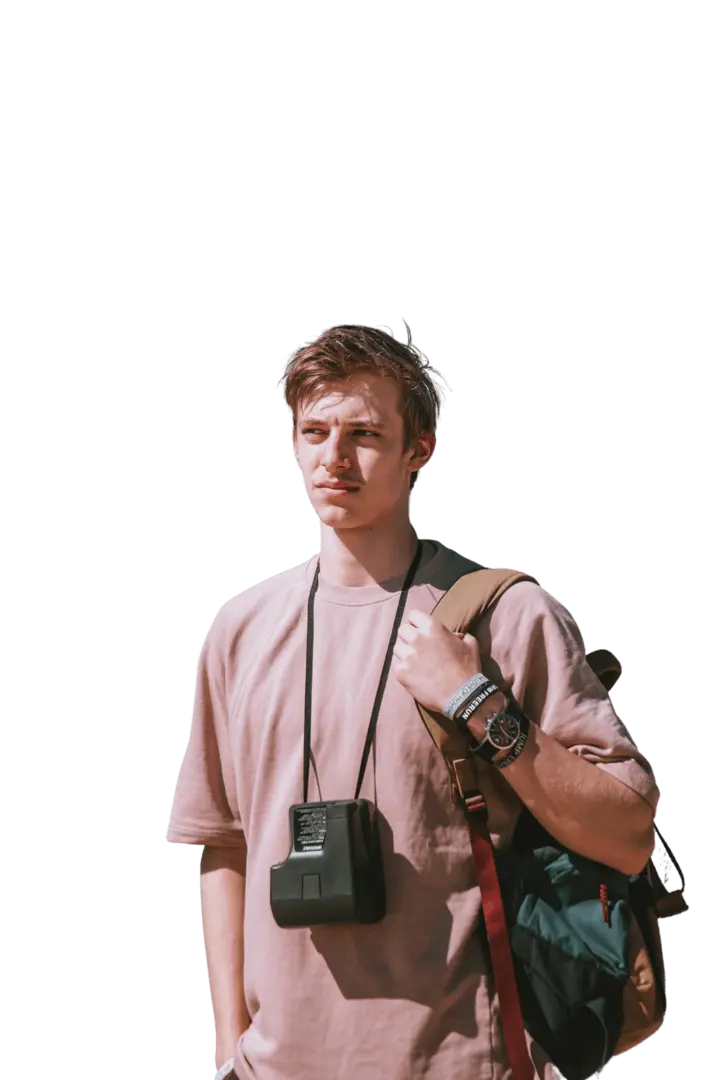
Upload any image and cut out the subject in one click. AI removes the background and returns a clean transparent PNG — no prompt, manual mask, or design skills needed.