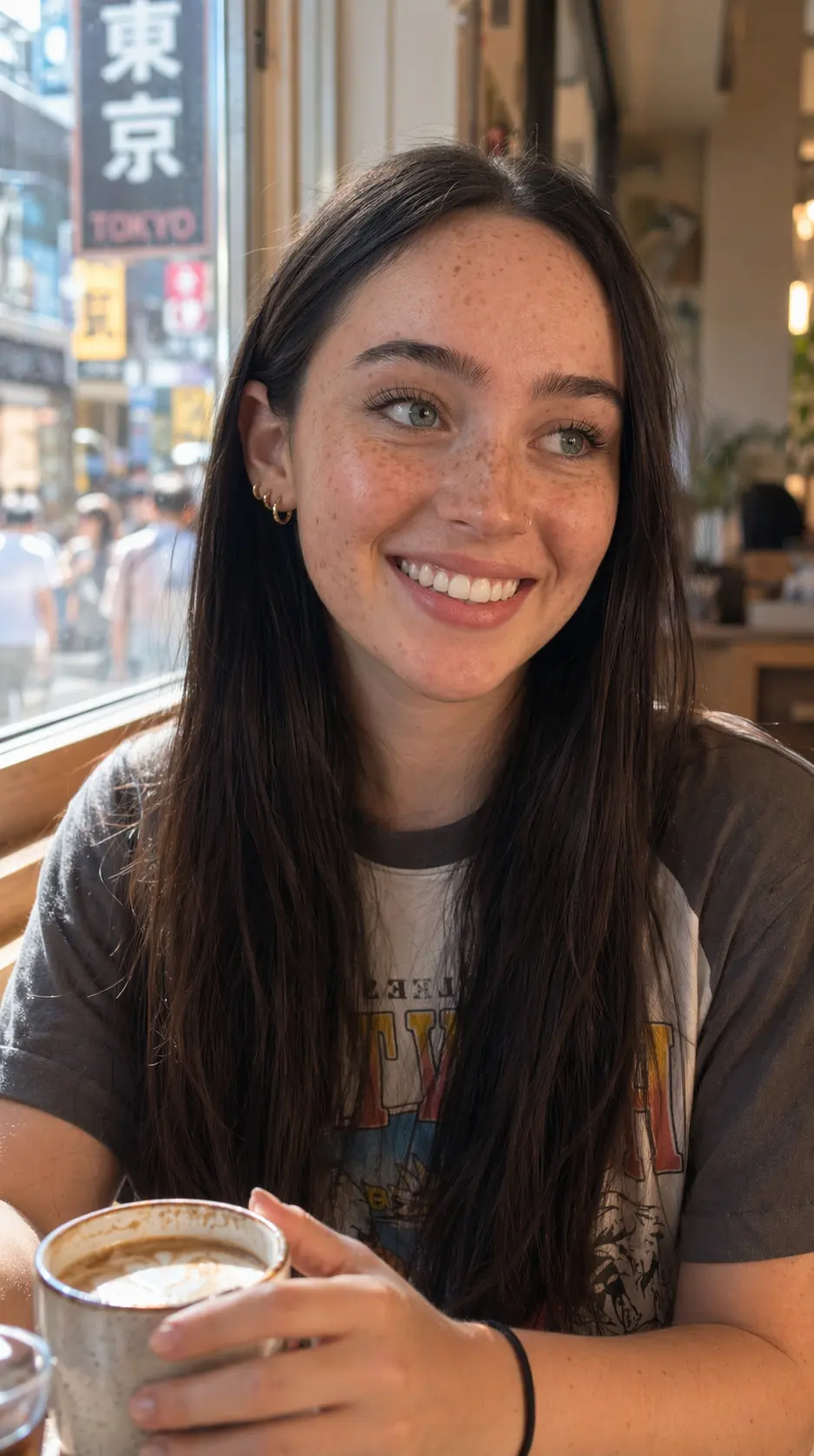
Create Your AI Influencer
Upload a reference photo and generate a consistent, realistic virtual influencer you can place in any scene, outfit, or brand campaign — one balance, 200+ models.

Describe the character, outfit, pose, scene, mood, and anime art direction you have in mind. APISpace turns your text prompt into an original anime-style image, right in the browser.
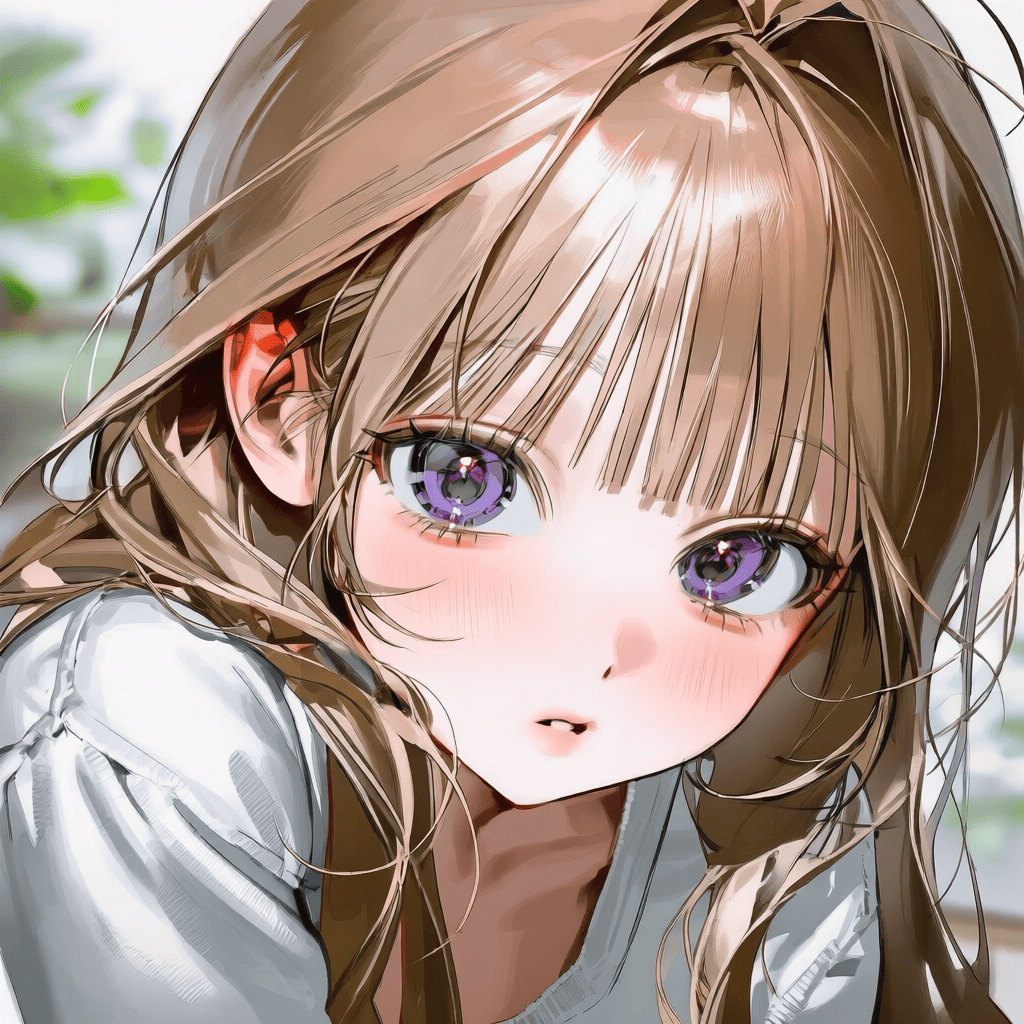
Anime art gallery
Explore anime portraits, original characters, manga-style moments, fantasy scenes, chibi avatars, and wallpapers created from text prompts.
Start from an idea
Not sure where to start? Pick an image type, then describe the most important character, scene, mood, and visual details.
Define the character’s look, personality, outfit, signature accessories, and the kind of world they belong to.
Focus on the face, expression, hairstyle, accessories, background color, lighting, and close-up portrait composition.
Describe the character’s traits, outfit, expression, pose, and a simple background that keeps the subject in focus.
Add the character, action, emotion, setting, and camera angle, and say whether the moment should feel dramatic, playful, or quiet.
Combine the character with magical outfits, creatures, weapons, architecture, landscapes, and atmospheric lighting.
Describe futuristic clothing, tech, neon color, weather, city details, and scene mood.
Use a wide composition and describe the landscape, time of day, lighting, palette, and where the subject sits.
Specify character role, outfit, setting, and mood, and whether you need a portrait, dialogue scene, or environment concept.
Use every AI tool on GPTdodo with one balance. No account switching — keep editing in one place.
Upload a reference photo and generate a consistent, realistic virtual influencer you can place in any scene, outfit, or brand campaign — one balance, 200+ models.
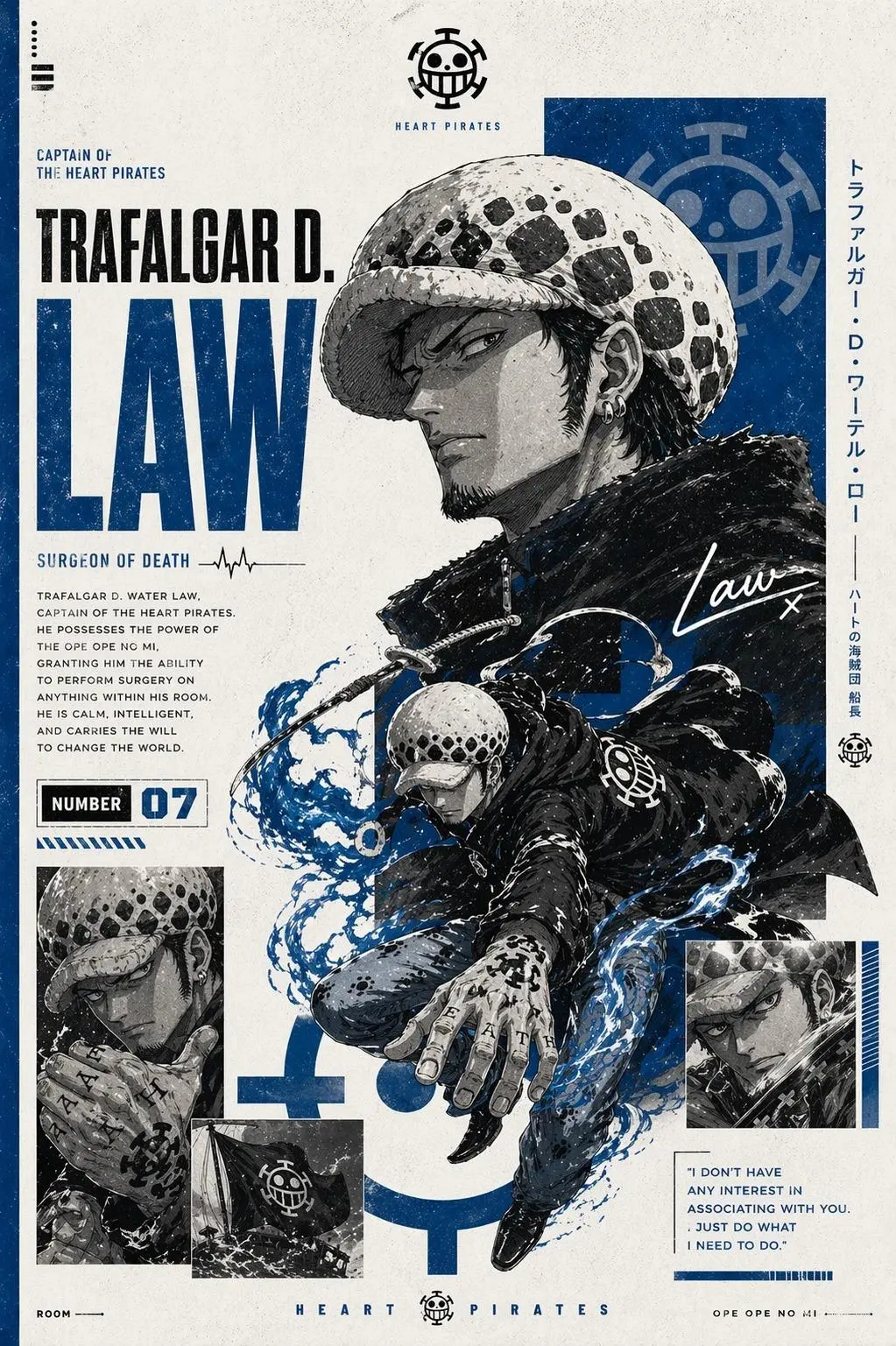
Generate professional manga promo art and unique anime character poster concepts instantly.
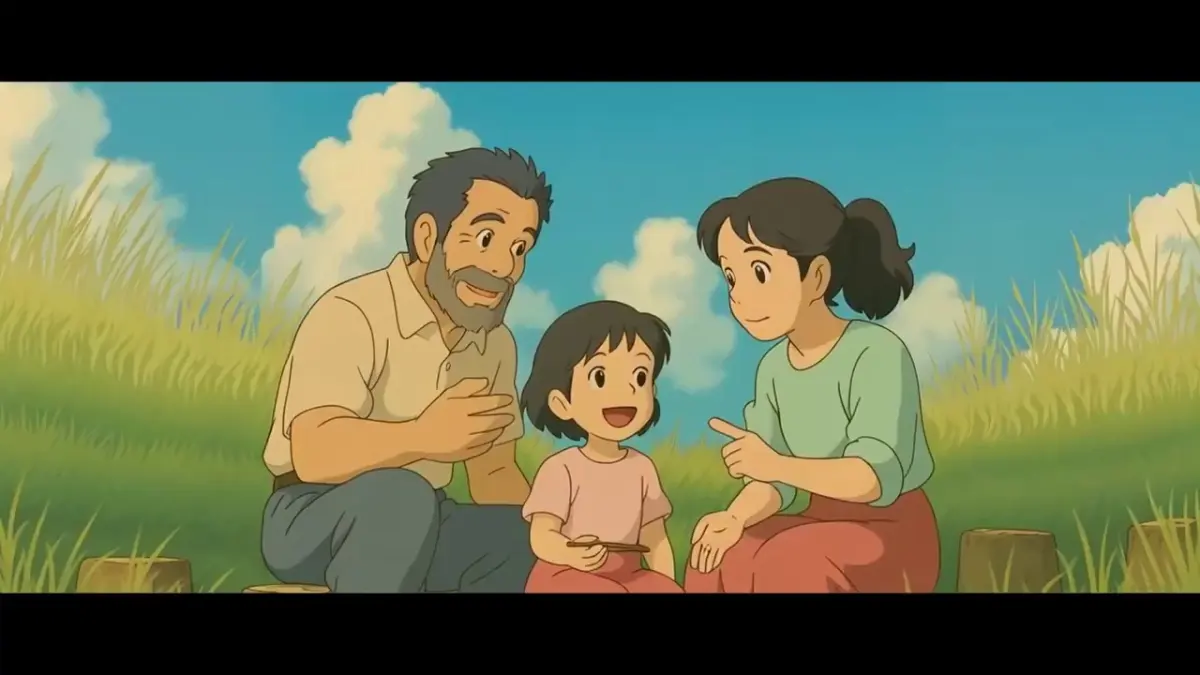
Turn your photos into stunning Ghibli-style artwork with an advanced Ghibli art converter.
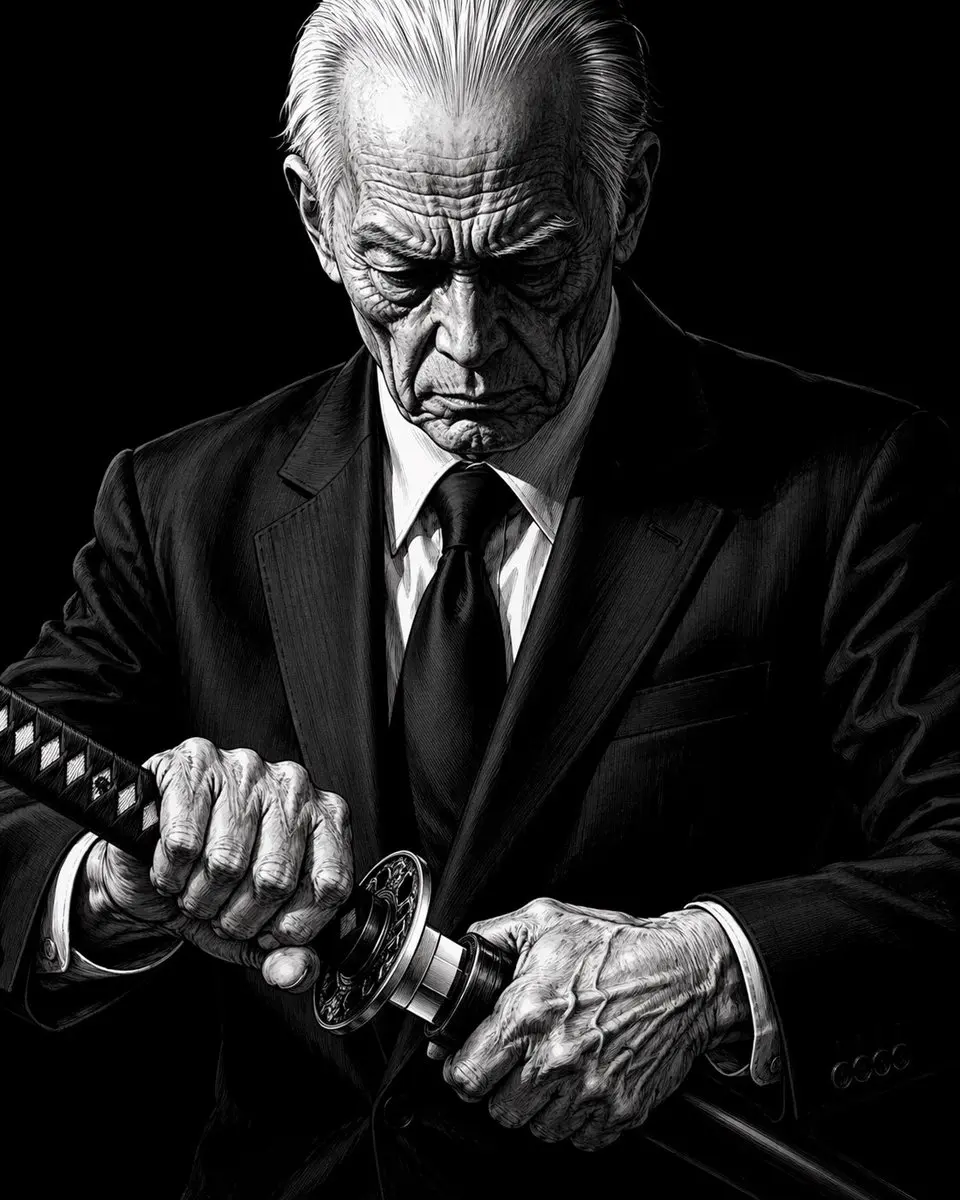
Create a character from scratch with an advanced AI API. Design avatars for games or marketing with ease.