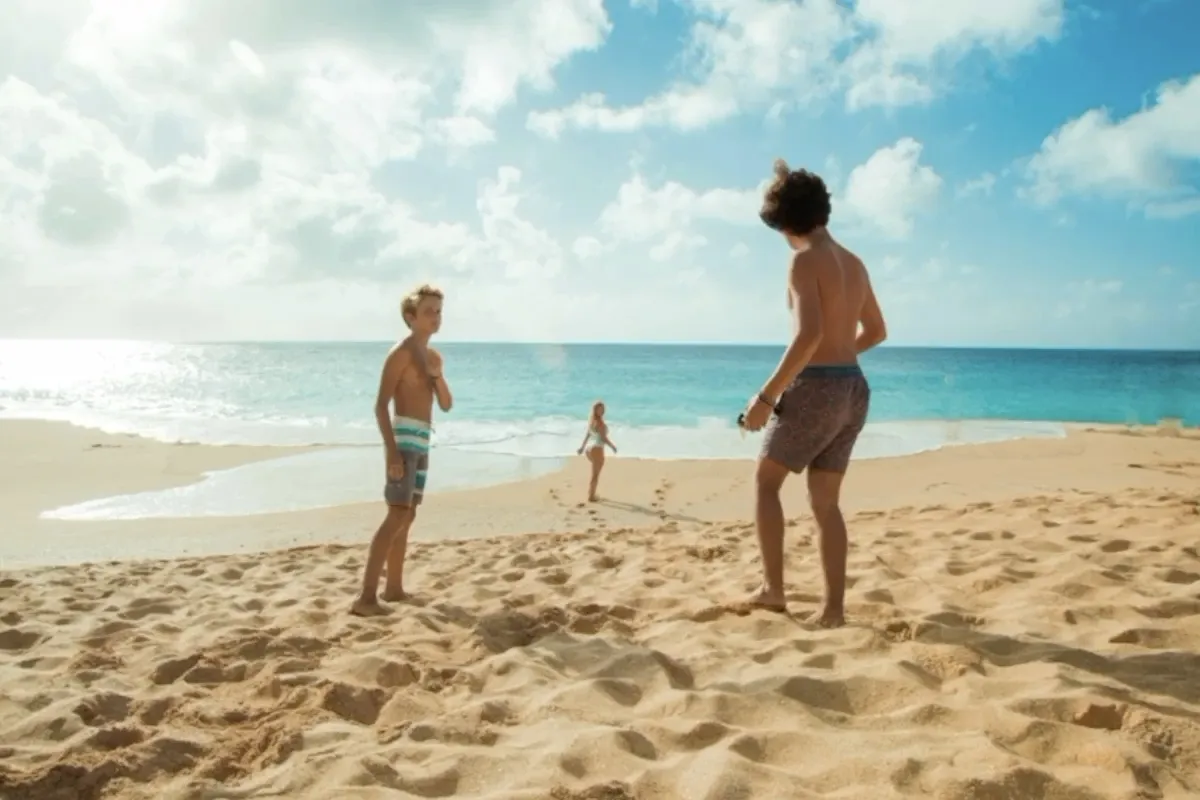
AI Object Remover
Upload a photo and describe exactly what you want removed. Take out people, text, clutter, wires, props, or overlays, while AI rebuilds the cleared area to match the surrounding scene.


Remove visible logos, text, and date stamps from images online — upload once, click once, no editing software needed.


Before & after
Compare uploaded images and cleaned results across watermark positions, sizes, and backgrounds.
What you can remove
On images you own or are licensed to edit, use the same one-click workflow to remove visible logos, text overlays, date stamps, and marks.
Clean visible brand marks and corner logos from images you own, without manually cloning or painting the background.
Remove captions, labels, or repeating text overlays so the image is easier to reuse in licensed decks, drafts, or designs.
Clear camera date and time-stamp overlays from personal or archive photos while keeping the rest of the image as intact as possible.
Remove outdated labels, draft marks, or internal approval stamps from product photos and marketing assets you own before reuse.
Use every AI tool on GPTdodo with one balance. No account switching — keep editing in one place.
Upload a photo and describe exactly what you want removed. Take out people, text, clutter, wires, props, or overlays, while AI rebuilds the cleared area to match the surrounding scene.
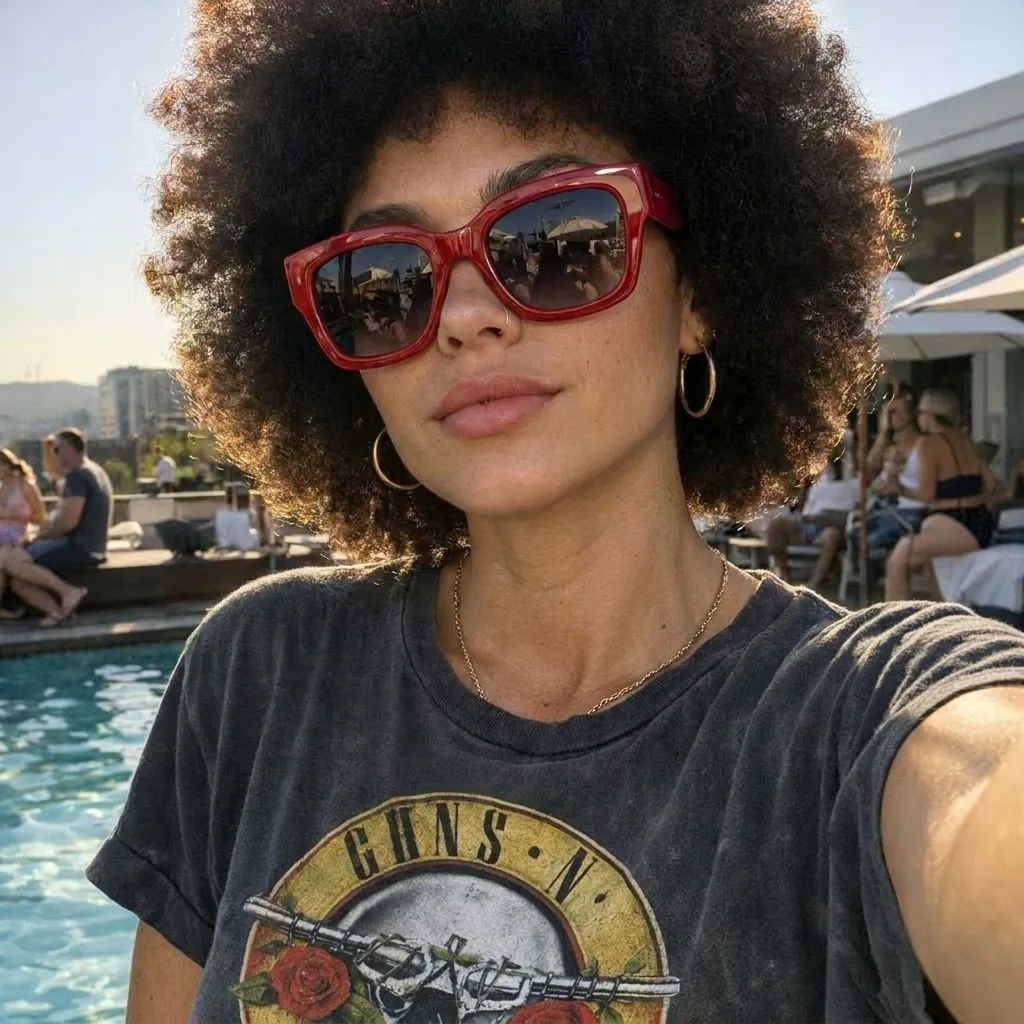
Edit images online with AI — enhance resolution, sharpen details, and improve overall quality in one place.
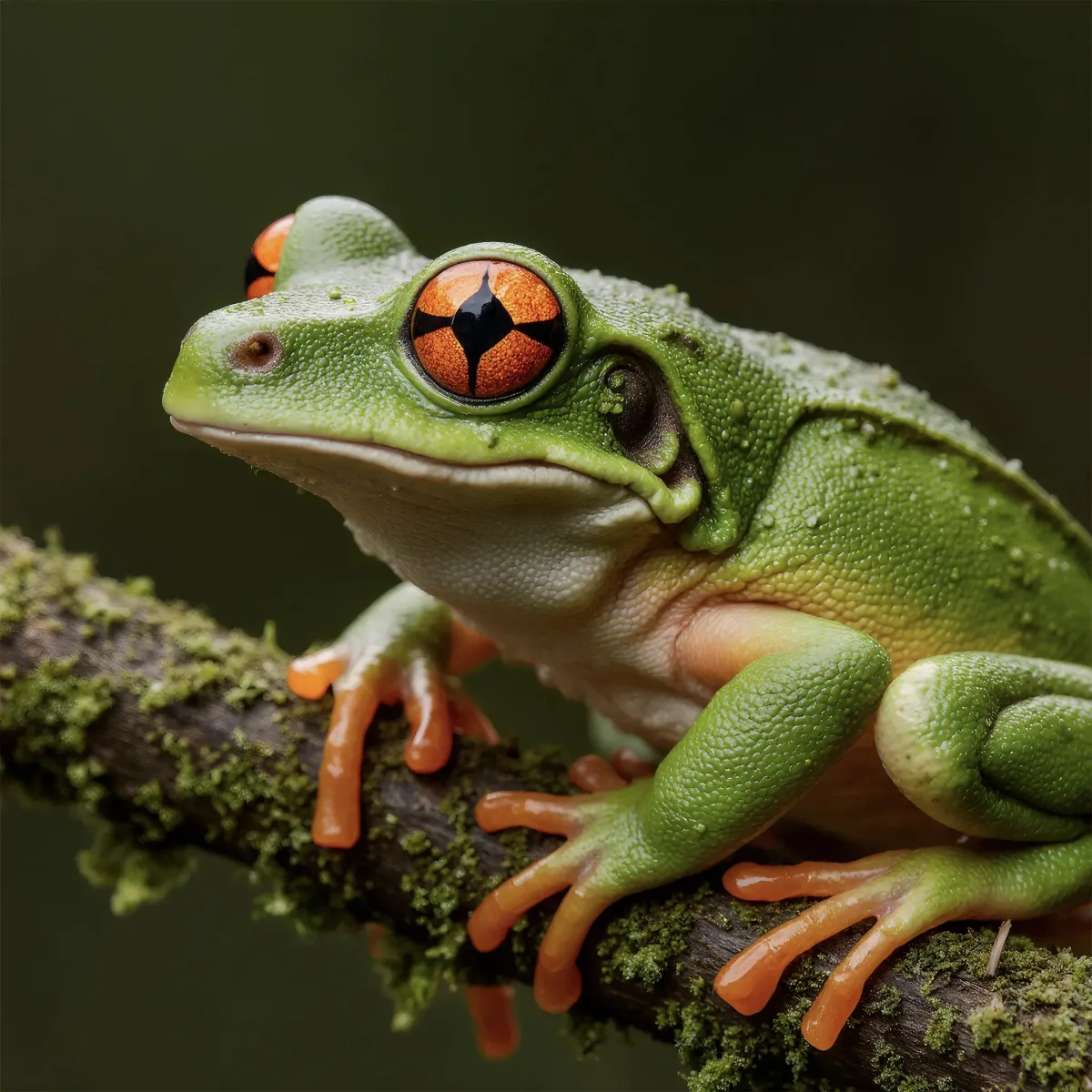
Upload a low-resolution or blurry image and let AI improve it instantly — sharper details, less noise, up to 4K. No prompt and no editing skills required. Download the enhanced photo in one click.

Upload any image and cut out the subject in one click. AI removes the background and returns a clean transparent PNG — no prompt, manual mask, or design skills needed.