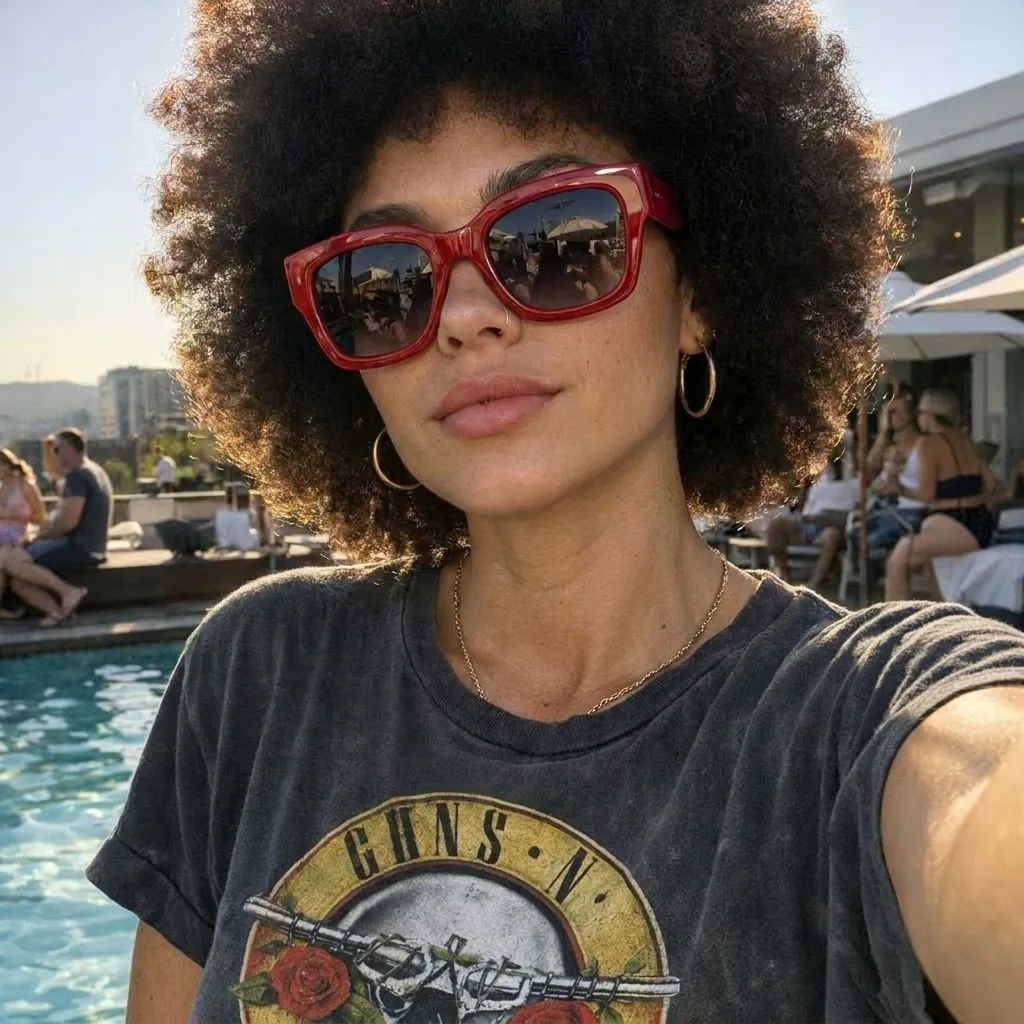
AI Image Editor
Edit images online with AI — enhance resolution, sharpen details, and improve overall quality in one place.


Upload a photo and describe exactly what you want removed. Take out people, text, clutter, wires, props, or overlays, while AI rebuilds the cleared area to match the surrounding scene.
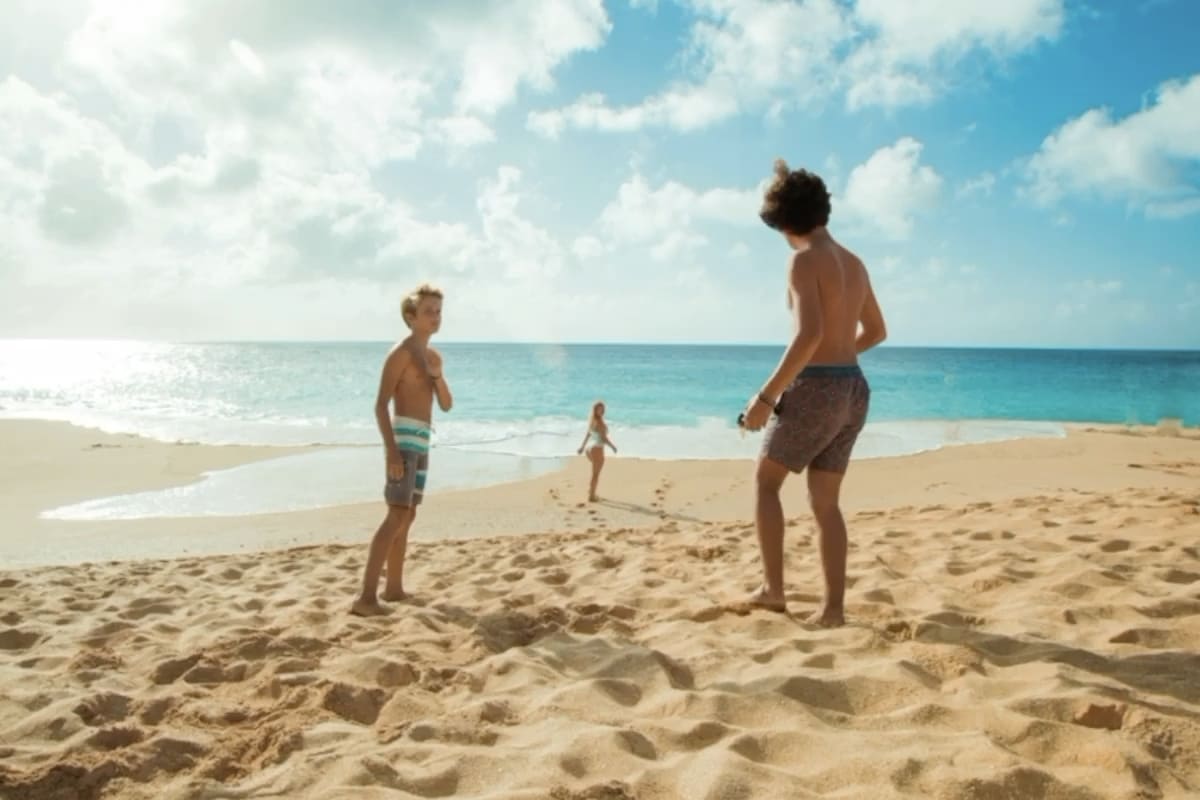
Before & after
Compare source photos and edited results across portraits, product shots, travel photos, real-estate images, and busy backgrounds.
Prompt examples
Pick a prompt that matches your photo, then replace the bracketed details with the exact object, location, and background in the image.
Remove the person at [location]. Rebuild [background] naturally. Keep the main subject, facial features, pose, lighting, camera angle, and everyone else unchanged.
Remove [unwanted object] from the background. Fill the cleared area with matching [wall, floor, landscape, or furniture]. Keep the subject, composition, color, and lighting.
Remove [props, cables, labels, packing debris, or reflections] beside the product. Keep product shape, logo, material, color, shadows, camera angle, and background unchanged.
Remove [wires, poles, or signs] from [location]. Rebuild the missing [sky, building, road, or plants] with matching perspective, texture, and light. Do not change the rest of the scene.
Remove the text that says “[text]” from [location]. Rebuild the covered [surface or background] with surrounding color, texture, spacing, and light. Keep all other text unchanged.
Remove [sticker, emoji, frame, or graphic overlay] from [location]. Restore the covered area to match the surrounding image while keeping the subject and composition.
Remove unwanted [reflection or shadow] on [surface]. Restore the surface with consistent material, color, texture, highlights, and light. Keep intentional shadows and reflections.
Remove [small object or distraction] near [location]. Keep the person’s face, hair, skin texture, body proportions, clothing, pose, lighting, and background.
繼續使用支援更廣泛prompt變更、完整backgroundremove 、watermarks清理和Image增強的工具進行edit 。
Edit images online with AI — enhance resolution, sharpen details, and improve overall quality in one place.

Remove visible logos, text, and date stamps from images online — upload once, click once, no editing software needed.
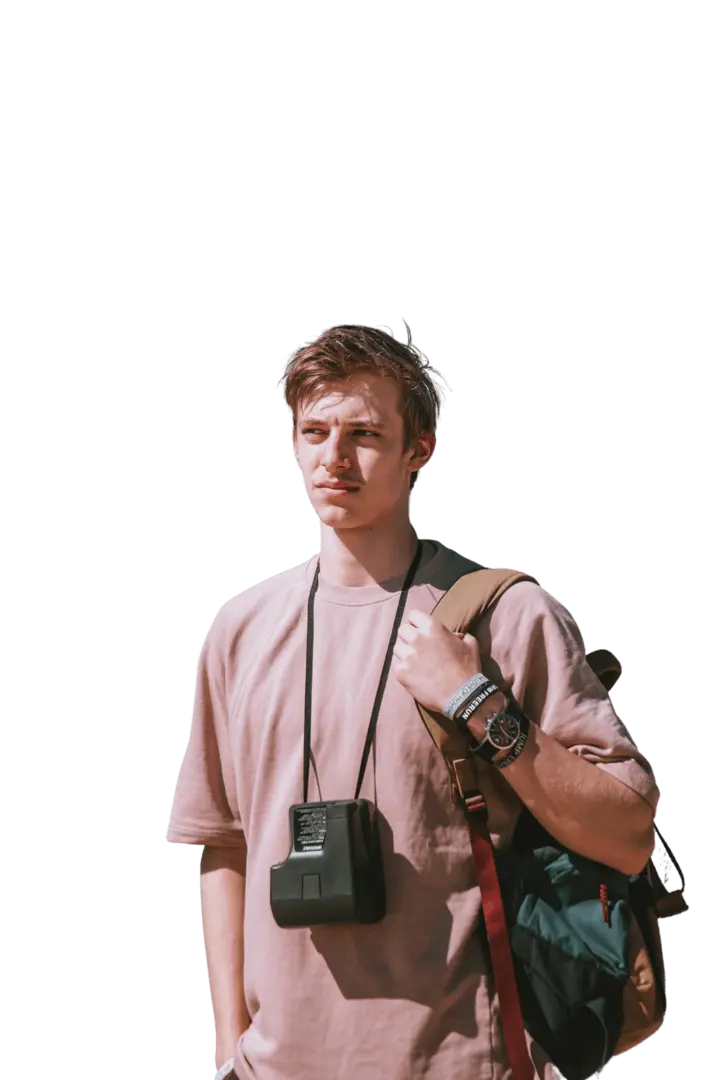
Upload any image and cut out the subject in one click. AI removes the background and returns a clean transparent PNG — no prompt, manual mask, or design skills needed.
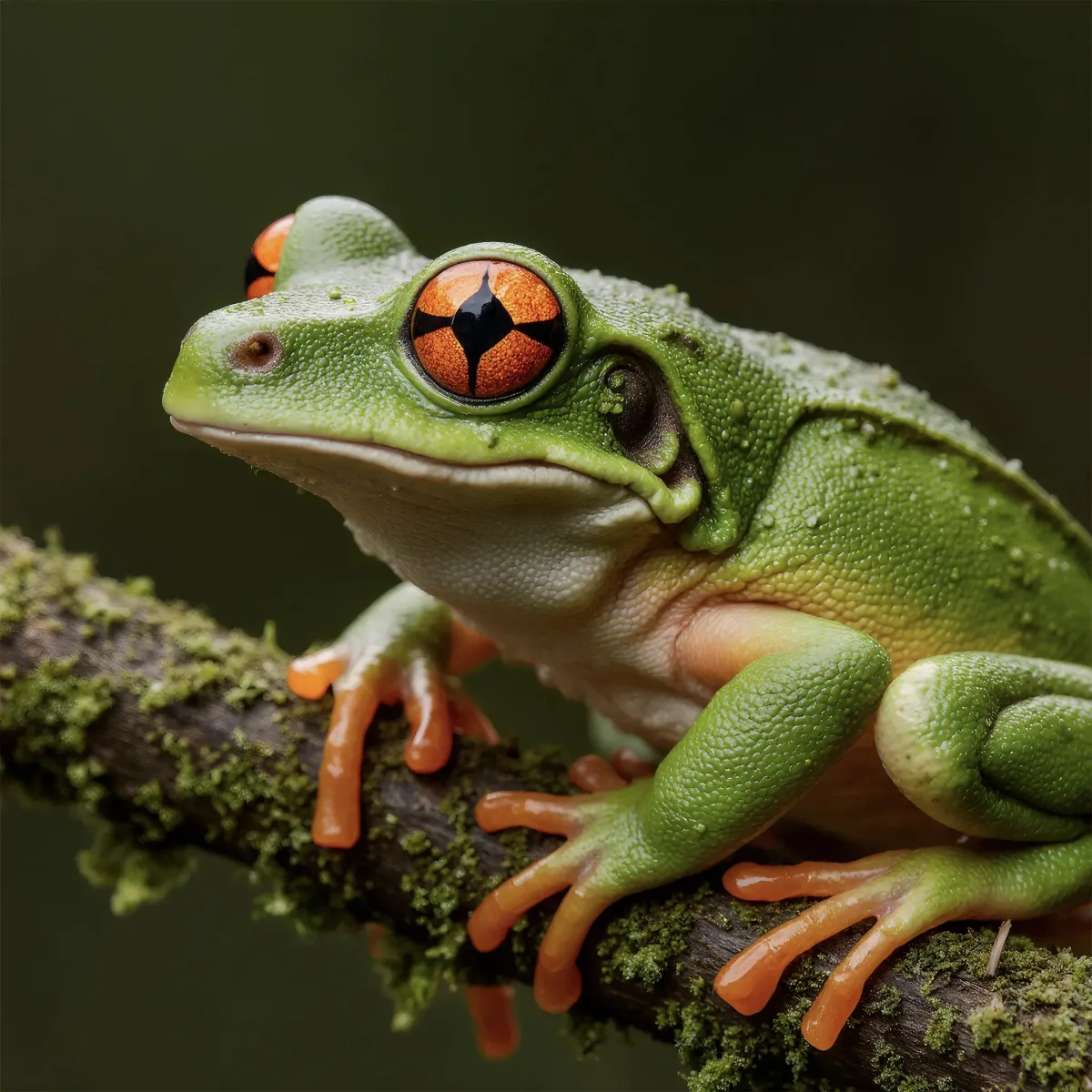
Upload a low-resolution or blurry image and let AI improve it instantly — sharper details, less noise, up to 4K. No prompt and no editing skills required. Download the enhanced photo in one click.