
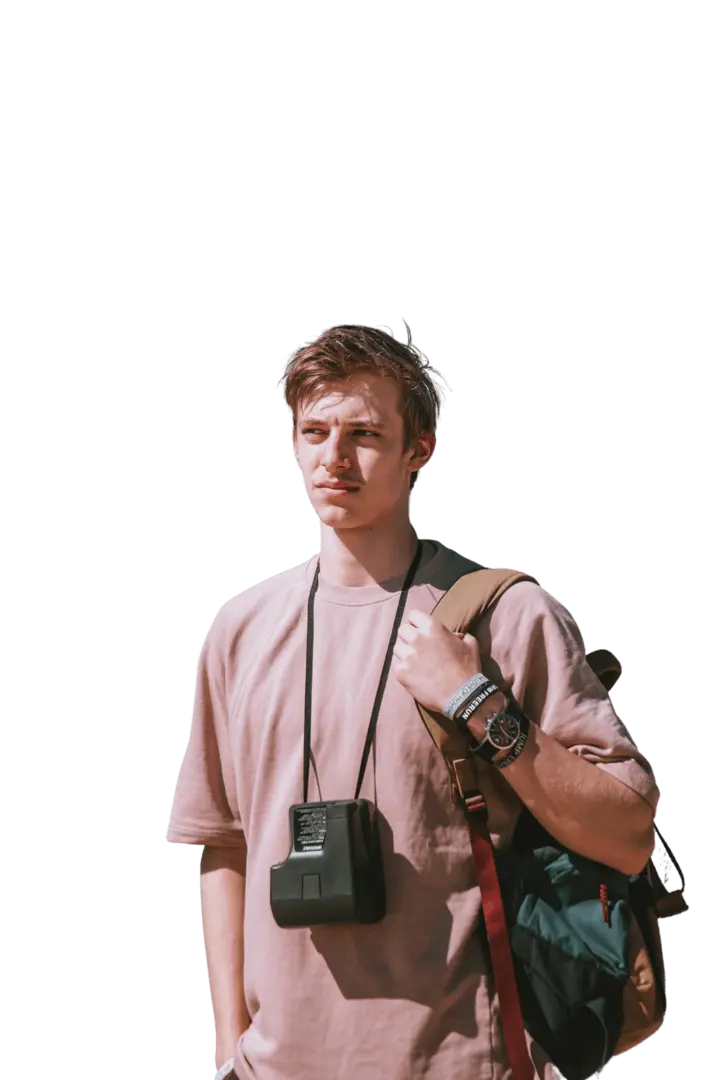
Online Background Remover
Upload any image and cut out the subject in one click. AI removes the background and returns a clean transparent PNG — no prompt, manual mask, or design skills needed.


Upload a photo and get a passport-style portrait — the head is cropped and centered on a clean solid background, ready to download. Your face stays the same; the tool only adjusts composition and background.


upload 一次、三個步驟,即可獲得document-ready photos——無需撰寫prompt,也No need for edit 技能。
新增一張在光線均勻環境下拍攝、正面朝向鏡頭的清晰人像。任何background都可以——工具會替您更換background。
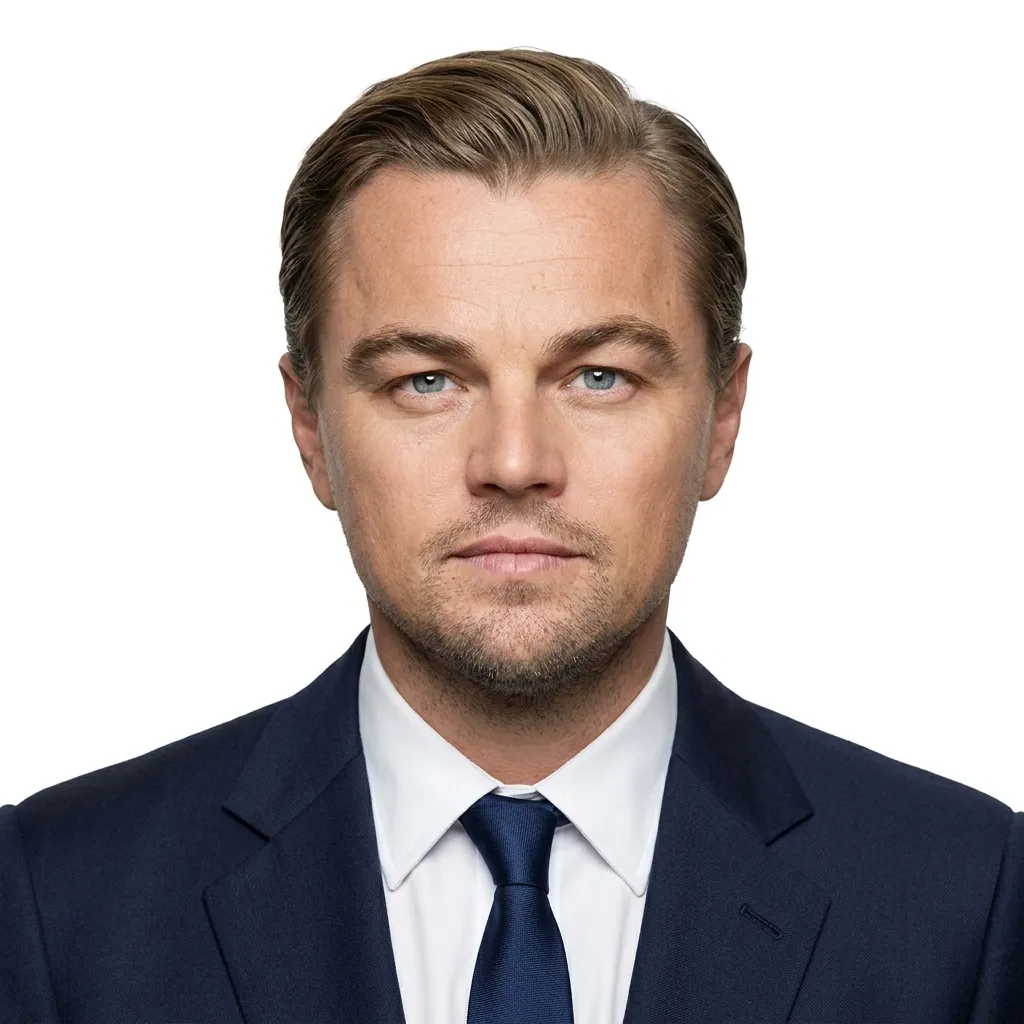
點擊「generate 」。AI 會偵測您的頭部,裁切為護照風格的構圖,將臉部置中,並設定乾淨的純色background——無需選擇任何設定。
儲存您的 HD photo;提交前即可直接列印,或調整至文件所需的確切尺寸。
Examples
輸入一張普通人像,輸出一張尺寸正確、background乾淨的護照photo;臉部保持不變,也不會進行修圖。
Use cases
同樣的一鍵流程,適用於您正在填寫的任何文件或個人檔案尺寸。
Turn a selfie into a clean, front-facing solid-background headshot — a strong starting point for passport or visa applications.
Make a tidy, centered solid-background headshot for national ID, residence, or driver-license forms that accept formatted photos.
Turn an everyday portrait into a clean, neutral-background headshot for LinkedIn, badges, resumes, or directories.
Format photos for online applications, school or gym IDs, or children’s document photos — upload once and get a clean solid background.
單一餘額即可在 APISpace 上使用所有 AI 工具。無需切換account,持續進行edit 。
Upload any image and cut out the subject in one click. AI removes the background and returns a clean transparent PNG — no prompt, manual mask, or design skills needed.

Swap faces in any photo with one click — no masking, layers, or editing skills. Upload two photos and generate.
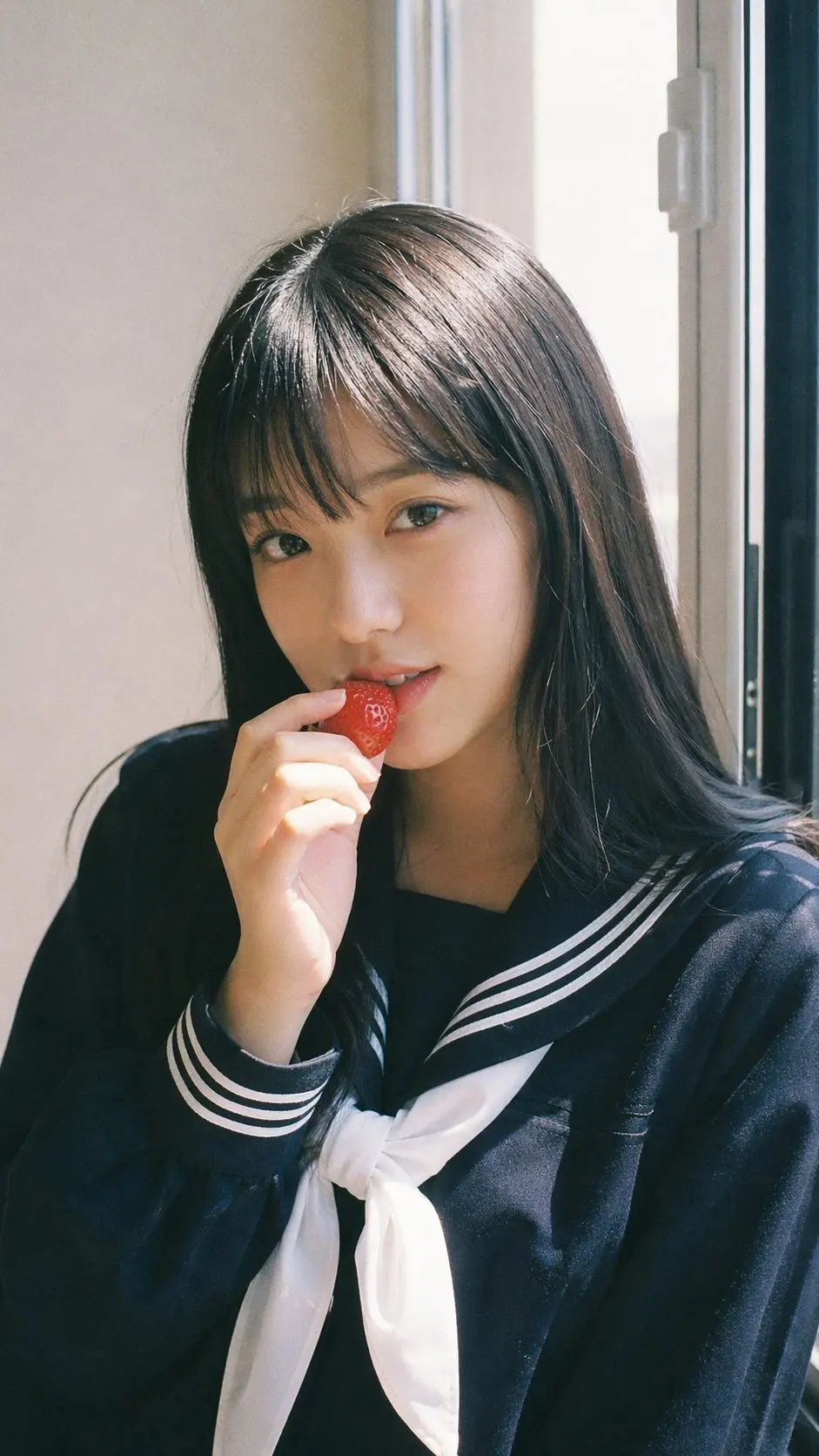
Turn everyday selfies into polished, studio-quality portraits with an AI headshot API.
Upload a low-resolution or blurry image and let AI improve it instantly — sharper details, less noise, up to 4K. No prompt and no editing skills required. Download the enhanced photo in one click.